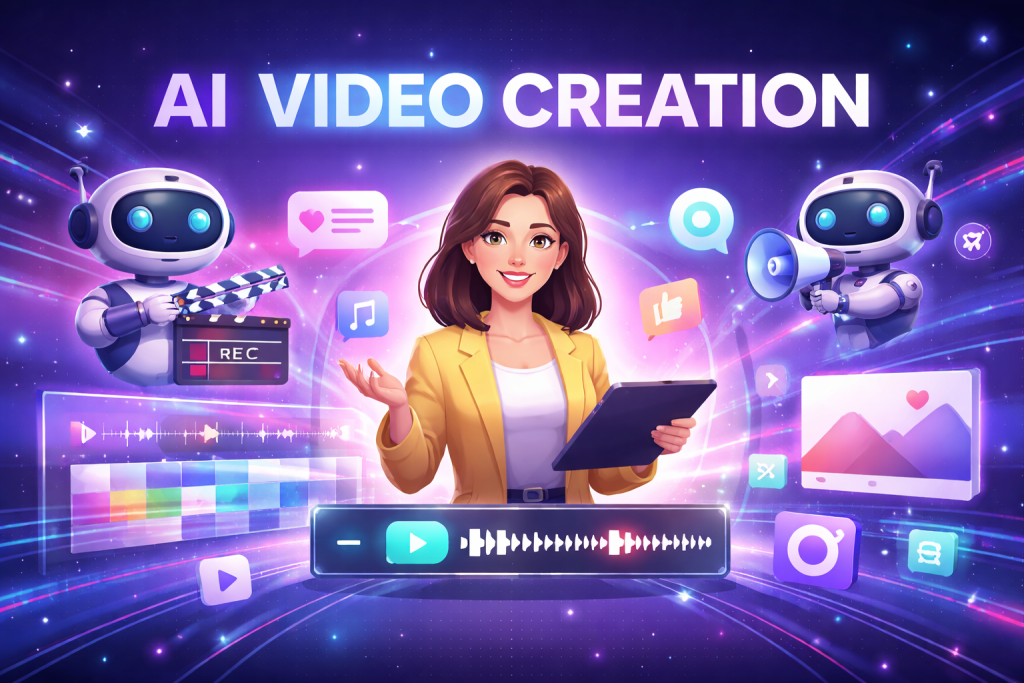
Ever tried making a video only to get frustrated with timelines, awkward cuts, or audio that just won’t sync? It’s exhausting — and honestly, it can make you want to quit before you even start. That’s where Vivideo comes in. It’s more than just an editing tool; it’s an AI-powered platform that enables anybody to create professional-looking films with no technical expertise. Vivideo takes care of the difficult tasks, such as AI Video Generator and Text to Video to Image to Video, as well as editing, merging, resizing, and eliminating backgrounds, so you can concentrate on your message.
Introduction
Videos are everywhere these days. Seriously, try scrolling through your phone for five minutes — you’ll see dozens of clips, from social media to YouTube, even short tutorials. But have you ever thought, “Wow, this looks professional”? Then you try to make one yourself, which seems impossible.
The real challenge isn’t creativity — it’s the technical stuff. Timing, transitions, audio, resizing for different platforms… it adds up fast. One wrong cut, and suddenly your 30-second idea feels sloppy. And don’t even get me started on compressing files without losing quality — it’s enough to make anyone give up.
Here’s the thing: AI video tools like Vivideo are changing all of that. They combine with smart automation with simple editing tools, allowing practically anybody to easily generate excellent videos. Even if you’ve never used a Vivideo editor before, you can generate great results.
Why Visuals Matter More Than You Think
A professional video is defined by the meaning of each image, rather than sophisticated cameras or perfect lighting. Color, lighting, and framing all have a little but substantial impact. A crowded arrangement, inconsistent hues, or a shaky shot quickly conveys an amateurish feel.
With Vivideo’s AI Video Generator, visuals are automatically balanced and animated. Even static images can come alive with Image to Video, adding motion and flow that would normally take hours to create.
Imagine you’re preparing a product slideshow. Normally, you’d spend hours polishing each image — timing, positioning, motion — just to make it look smooth. Vivideo’s AI manages it, allowing you to concentrate on the story rather than the software. And yes, you still control the final look.
Pacing and Transitions: Small Tweaks, Big Difference
Have you noticed how even minor timing issues can ruin a video? Clips that drag on feel boring. Cuts that are too fast feel chaotic. Pacing is subtle but critical.
Vivideo’s Video Trimmer and Video Merger help fix this without stress. You can cut unnecessary parts, combine clips, and the AI smooths transitions. What will be the outcome? A video that moves naturally, as if it were intended to be watched.
It would take hours to manually remove pauses and combine key elements. Vivideo makes this much faster, leaving time to focus on content instead of editing headaches.
Audio and Background Control
Even the finest visuals may suffer from poor audio. Background noise, irregular loudness, or mismatched music may all distract viewers. Vivideo’s Remove Audio tool handles this in seconds, letting you overlay clear voiceovers or music.
And here’s a neat trick: Background Remover lets you separate or replace bothersome scenes. Video from home, for example, can be difficult, but without the backdrop, your video will look to have been shot in a professional studio. These minor changes instantly improve the content’s quality.
Flexible for Any Platform
One video rarely fits all platforms. TikTok is vertical. YouTube is horizontal. Instagram wants square. Manually resizing videos is annoying and often lowers quality.
Vivideo’s Video Resizer and Video Converter solve this problem quickly. And Video Compressor ensures that your files remain high-quality while uploading faster. Imagine publishing the same video on Instagram, YouTube, and TikTok without having to edit it three times – that’s the level of efficiency AI offers.
The Little Details Matter
Professionalism is often in the details: smooth zooms, consistent captions, subtle motion. Vivideo’s GIF Maker and editing tools help add these micro-improvements. You may be unaware of them, yet they have a huge influence on how viewers understand the video.
Focus on Creativity, Not Technical Frustration
The benefit of AI video tools is that they eliminate the tiresome and repetitive bits. You concentrate on concepts, narratives, and engagement. Whether you’re a marketer, teacher, or social media creator, Vivideo handles trimming, merging, resizing, compressing, audio adjustments, and even some motion effects automatically.
Imagine turning a week’s worth of social media posts into polished, professional-looking videos in minutes — not hours. That is what AI video enables.
Conclusion
Creation of videos does not have to be difficult, costly, or technically difficult. Tools such as Vivideo democratize video production, making AI Video available to everyone. With tools like AI Video Generator, Text to Video, Image to Video, cutting, combining, resizing, compressing, Background Remover, audio editing, and GIF creation, creators can focus on what is most important.
Professional-quality video is no longer exclusive to IT specialists. Anyone can create interesting, professional content with AI video tools – quickly, effortlessly, and confidently.